Your Desk Job and Your Spine
If you spend your days at a desk in Raleigh, you are part of a massive workforce that faces a shared physical challenge. Statistics show that nearly 20% of the workforce experiences back pain directly related to their job duties How Can I Prevent Back And Shoulder Pain At Work?. Whether you are typing away in a home office or a corporate cubicle, prolonged sitting adds immense pressure to your spinal discs and muscles Ergonomic and Proper Posture for Sitting - Spine Care.
This static posture often leads to chronic neck and back pain if left unmanaged. At Osborne Chiropractic Clinic, we understand how these daily habits impact your long-term wellness. Throughout this article, we will provide you with evidence-based strategies to optimize your workspace, improve your daily posture, and help you return to a pain-free life through the hands-on care we provide to our Raleigh neighbors.
Why Sitting Strains Your Spine
 Can working at a desk really cause back pain, and what are the most common culprits? Yes, working at a desk is a leading cause of chronic back pain for many Raleigh professionals. Prolonged sitting increases pressure on spinal discs and overstretches spinal ligaments, which can lead to serious issues like herniated discs and sciatica. At Osborne Chiropractic Clinic, we often see how these repetitive strains accumulate over time, potentially impacting your long-term spinal structure.
The physical toll of a sedentary workday extends beyond muscle aches. When you slouch, you compress your chest cavity, which may reduce lung capacity and even negatively affect your blood pressure. Our team at Osborne Chiropractic Clinic helps patients restore proper spinal function and reduce reliance on medication by addressing these specific postural habits. We find that when you move your body correctly and maintain a neutral spine, you lessen the cumulative stress that leads to chronic discomfort.
If you are concerned about persistent pain radiating into your limbs, do not wait for the issue to become chronic. Our office in Raleigh specializes in evidence-based techniques that aim to reduce the strain causing your daily fatigue. Whether you are dealing with work-related injuries or simply the stress of a long desk day, we are here to help you get back to a life free from constant back and neck pain.
Setting Up Your Chair for Success
 Many people in Raleigh spend a significant portion of their workday seated, often without realizing the physical toll it takes on their spine. Proper chair adjustment is one of the most effective ways to prevent back strain before it becomes a chronic issue. By optimizing your workspace to match your body, you reduce the pressure on your spinal discs and muscles that accumulates over long hours.
How should I adjust my chair to support my back while sitting? To create a supportive foundation, start by positioning your hips as far back in the chair as possible. This ensures your torso is fully supported by the chair's backrest rather than hovering in mid-air. Next, keep your feet planted firmly on the floor. If your feet dangle, consider a footrest to avoid putting extra stress on your legs and lower back. Your knees should sit level with or slightly below your hips to promote healthy circulation and reduce pelvic tilt, as noted in guidelines from the Mayo Clinic.
Maintaining the spine's natural S-curve is essential for long-term comfort. If your chair lacks built-in lumbar adjustment, you can easily use a lumbar roll or a small, rolled-up towel to provide that necessary support for your lower back. This simple addition helps keep your spine aligned, which Osborne Chiropractic Clinic often recommends to help patients maintain a neutral, healthy posture throughout the day. By making these small, consistent adjustments, you can turn your desk chair into a tool for wellness rather than a source of persistent pain.
Monitor and Keyboard Placement That Protects Your Neck
Your screen and keyboard setup directly dictates your posture throughout the day. When these tools are poorly positioned, your neck, shoulders, and upper back often pay the price. At Osborne Chiropractic Clinic, we emphasize creating an environment that supports your spine naturally rather than forcing it into constant tension.
What is the correct placement for my computer monitor to avoid neck strain?
Place the top of the monitor at or slightly below eye level, about an arm's length away (20 to 40 inches). This keeps your neck in a neutral position and minimizes strain. According to Mayo Clinic, ensuring the top line of text falls at this level helps maintain a neutral cervical alignment. If you wear bifocals, you may find additional comfort by lowering the screen another 1 to 2 inches.
Equally important is the height of your keyboard. Keep it at elbow level so your forearms rest at a 90-degree angle. This setup prevents your shoulders from hunching forward, a common issue we see in our Raleigh patients that leads to chronic tightness. Unlike generic office setups that ignore these details, a mindful, ergonomic workspace at home or the office allows your body to remain relaxed while you work. If your current desk hardware makes these adjustments difficult, using external peripherals such as a separate keyboard or a monitor riser can bridge the gap.
Posture Habits to Practice Daily
Maintaining a healthy spine throughout your workday in Raleigh requires more than just high-quality office furniture. It starts with how you carry yourself while seated. Consistent awareness of your alignment acts as a daily discipline to reduce the risk of chronic back pain.
What are the key elements of good sitting posture?
Good posture means aligning your ears, shoulders, and hips, keeping shoulders relaxed and slightly back, engaging your core, and keeping your chin parallel to the ground. This neutral alignment helps distribute weight evenly across your spine, preventing the fatigue that often sets in by mid-afternoon. If you find yourself consistently hunching, it may be a sign that your workstation needs adjustment to better support your frame.
When you catch yourself slouching, try a simple reset by pulling your shoulder blades gently together and checking that your ears sit directly above your shoulders. At Osborne Chiropractic Clinic, we often show patients how to engage their core muscles slightly while sitting to provide a natural brace for the lower spine. This prevents your pelvis from tilting incorrectly, which can otherwise lead to the work-related back strain so many of our neighbors struggle with.
Move More to Keep Pain Away
Even with an ideal desk setup, your body is not meant to remain in a static position for eight hours a day. Prolonged sitting increases pressure on your spinal discs and restricts blood flow, leading to muscle fatigue and stiffness. At Osborne Chiropractic Clinic, we emphasize that moving frequently is often more important than maintaining a single perfect posture.
- Take a short walk or stretch break at least every 30 to 60 minutes to boost circulation and unload spinal pressure, per Mayoclinic.org.
- Alternate between sitting and standing if you have access to a height-adjustable desk. This simple change helps prevent the buildup of tension in the lower back.
- Perform targeted movements like shoulder blade retractions, neck stretches, and standing back-arch extensions to counter the effects of forward-leaning posture, as recommended by UCLA Health.
- Use your breaks to step away from your monitor, which also helps reduce eye fatigue and keeps your joints mobile throughout your workday.
Consistency is vital for long-term health. While ergonomic adjustments create a better foundation, frequent movement is what keeps your spine flexible and resilient. If you find that pain persists despite taking regular breaks, our team at Osborne Chiropractic Clinic can help you create a personalized plan to improve your spinal function and keep you moving comfortably.
Lifting and Other Desk-Day Body Safety
While your desk job might seem sedentary, the way you move around your office can significantly influence your long-term spinal health. Even in an office environment, you may frequently encounter tasks that require lifting, such as moving heavy boxes of printer paper or shifting office equipment. The safest way to lift objects is to use your legs instead of your back, keeping the item close to your body and avoiding any sudden twisting motions How Can I Prevent Back And Shoulder Pain At Work?.
What is the safest way to lift objects to protect my spine?
To protect your spine from unnecessary strain or injury, always bend at your knees and hips rather than at your waist. By engaging your leg muscles, you provide a stable foundation for the lift and keep the stress off your lower back. If you are struggling with pain from a recent lifting incident or need guidance on safe body mechanics, the team at Osborne Chiropractic Clinic offers personalized assessments to help you recover and improve your physical safety habits. We use gentle spinal adjustments and proven techniques to help your back stay strong and ready for the demands of your daily work.
- Keep the object close to your center of gravity while lifting.
- Pivot with your feet rather than twisting your torso.
- Ask for help if an item is too heavy for one person to move safely.
- Take a moment to clear a path so you do not have to maneuver while holding the weight.
When Desk Changes Aren't Enough: Chiropractic Care
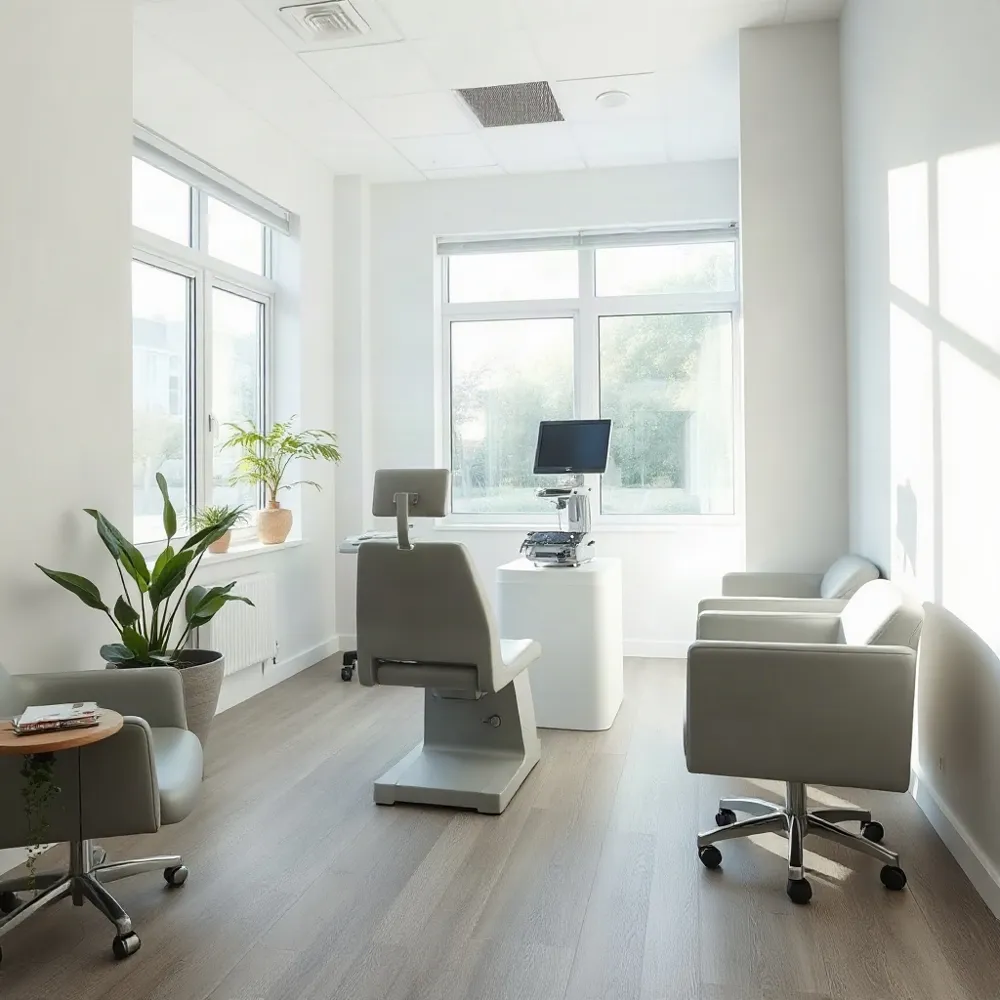 Even with a perfectly adjusted workstation, some Raleigh professionals find that persistent aches linger after the workday ends. When movement breaks and ergonomic tweaks no longer provide lasting comfort, it may be time to seek a deeper evaluation of your spinal health.
What chiropractic treatments can help with desk-related back and neck pain?
At Osborne Chiropractic Clinic, we focus on identifying the source of your discomfort rather than just masking symptoms. Chiropractic care can help address common workplace-related issues, including nagging back and neck pain, shoulder tension, and even carpal tunnel syndrome that often stems from repetitive typing and poor wrist alignment.
For patients dealing with more stubborn conditions like disc strain or chronic muscle tension, our practice utilizes advanced technologies such as the DRX9000 non-surgical disc decompression system. This targeted approach may help restore proper spinal function and reduce reliance on medication. By combining evidence-based adjustment methods like the Gonstead technique with personalized care plans, we aim to help Raleigh families move toward a more comfortable, active life and support long-term spinal wellness.
Your Path to a Pain-Free Workday
By incorporating proper monitor height, consistent lumbar support, and regular movement breaks into your routine, you create a sustainable foundation for spinal health. These small shifts in your daily habits help mitigate the strain of a desk-bound lifestyle.
If discomfort persists, the team at Osborne Chiropractic Clinic is here to help. We offer personalized evaluations to address your specific pain points and keep you active, ensuring that your work life does not hold your health back.